
Connect Your Wallet from Your Phone
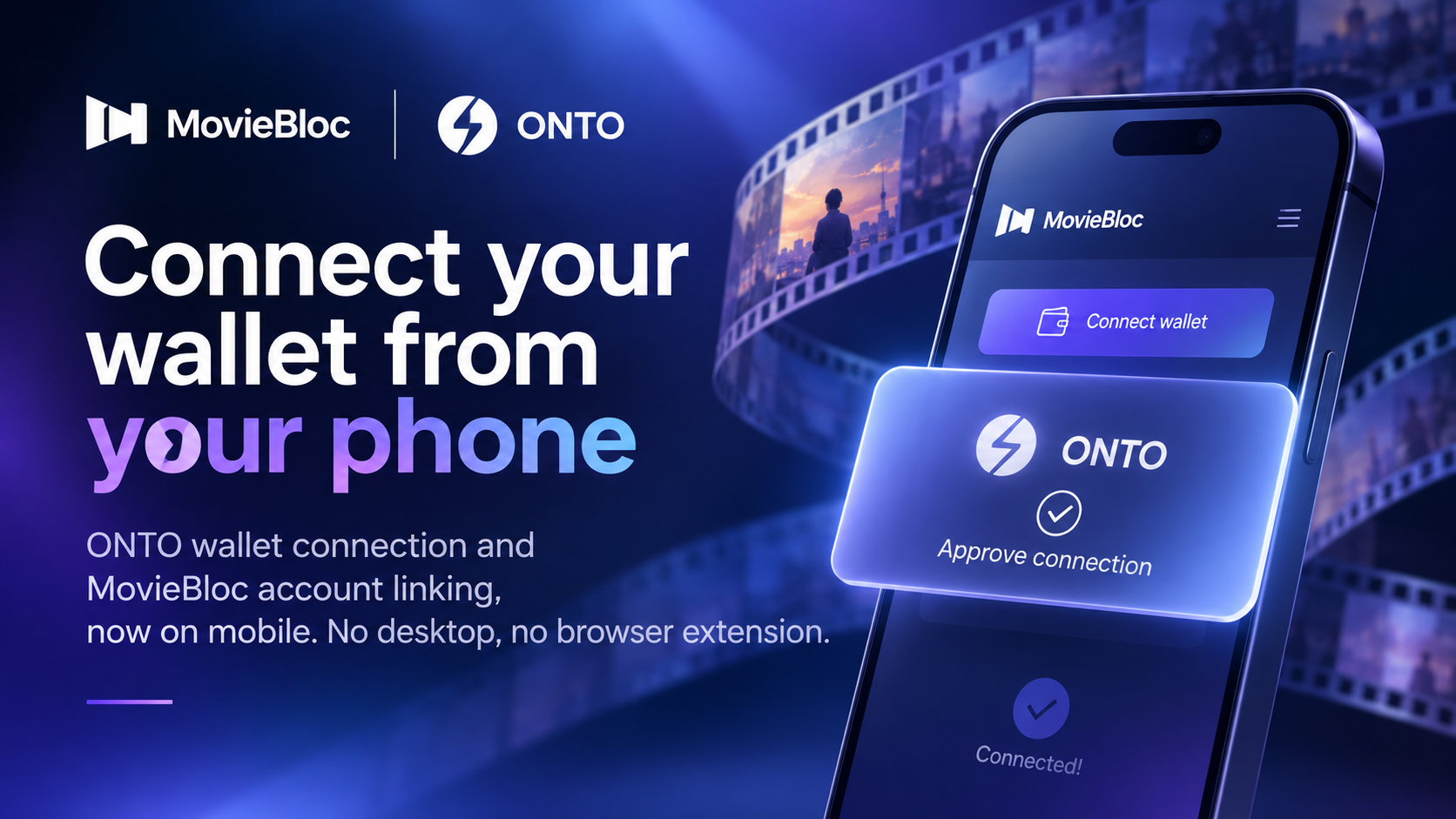
ONTO wallet connection and MovieBloc account linking are now available on mobile. No desktop or browser extension required.
Removing the desktop barrier
Until now, connecting an ONTO wallet to moviebloc.io meant using a computer. ONTO worked as a browser extension, which made connecting from a mobile device difficult.
When users opened MovieBloc on their phones, they were effectively asked to come back on a desktop.
For a platform whose community is increasingly mobile, that was an unnecessary barrier. Now, it's gone.
What you can do on mobile
You can now:
- Connect your ONTO wallet
- View your MBL holdings
- Link your MovieBloc account
- Unlink your account at any time
The ONTO mobile app handles wallet authorization. Simply tap to connect, approve the request in the ONTO app, and return to the MovieBloc page where you started.
No desktop. No browser extension. Just your phone.
Security remains unchanged
Making wallet connections available on mobile doesn't mean compromising security.
Wallet-authorized actions still require a signature generated by your wallet. Each signature is created in response to a message issued by our server and verified on our side.
MovieBloc never accesses your private key or asks you to share it.
Account linking also requires authentication on both sides. You must sign in to your MovieBloc account to link it with your wallet. A wallet alone cannot claim a MovieBloc account, and a MovieBloc account alone cannot claim a wallet.
The only thing that has changed is where the signature is generated: through the browser extension on desktop or the ONTO mobile app on your phone.
The verification process on our side remains the same.
Get ready for what's next
Linking your MovieBloc account takes just a few minutes and only needs to be done once.
Take a moment to complete the setup now, and you'll be ready for upcoming DAO activities without having to rush later.
How to get started
Follow these steps on your mobile device:
- Open moviebloc.io on your phone.
- Tap Connect wallet, then select Connect.
- Approve the connection request in the ONTO app and sign the message.
- To link your MovieBloc account, tap Link MovieBloc account and sign in.
Make sure you have the ONTO mobile app installed and hold your MBL in a wallet you control.
Please note: MBL balances held on centralized exchanges are not counted.
A note for Android users
During the account-linking process, you may briefly see the MovieBloc app open.
This is expected behavior. The app automatically redirects you back to your browser to continue the linking process.
Your progress is not lost, and you don't need to start over.
Connect your wallet today and get ready for what's next on MovieBloc.